Setting up the NSD-100
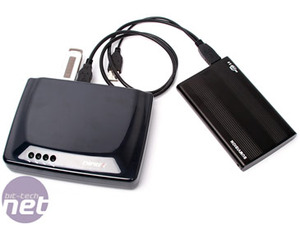
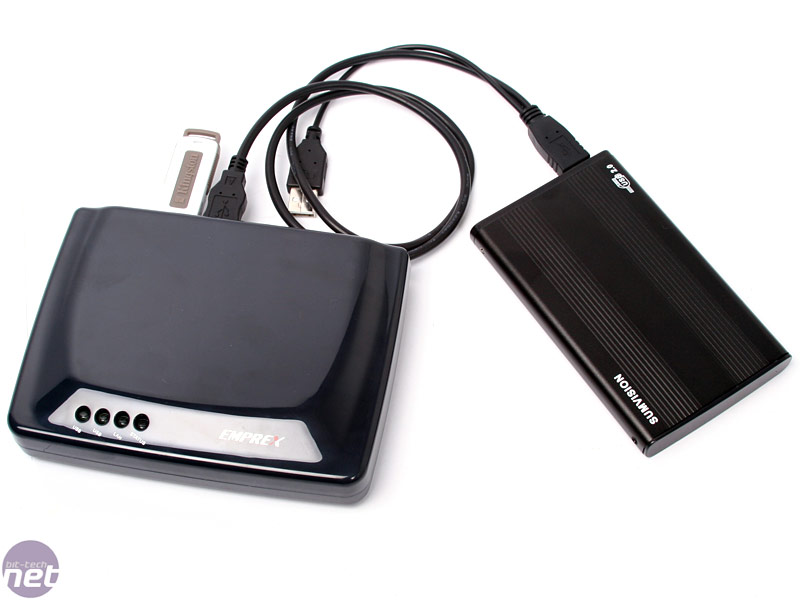
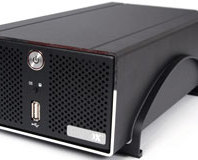
To get the NSD-100 up and running, you literally have to plug it in, plug your storage device(s) into the USB connectors and then find a PC – it’s as simple as that. We hooked up the NSD-100 with an 80GB 2.5" 5,400RPM notebook drive in an enclosure through USB 2.0, and then started the PC setup.
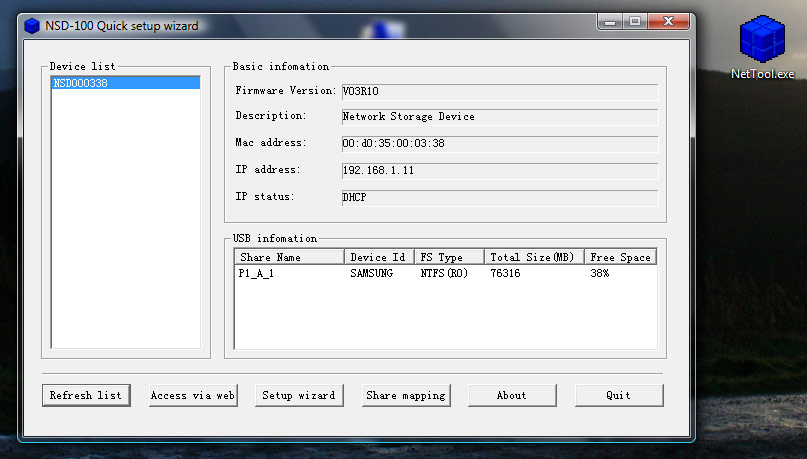
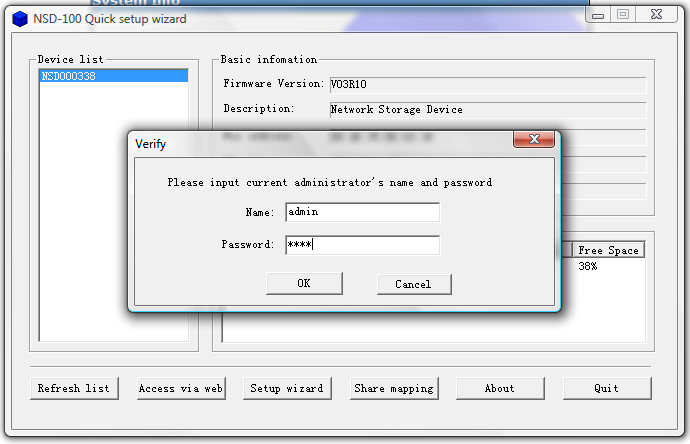
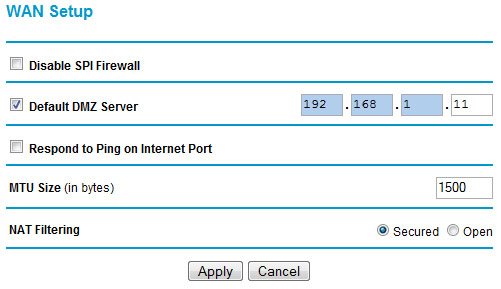
This is done in two stages – first you need to run a small program called NetTool to detect the device on the network and set its name, time, date etc. It even detects if your router has the necessary port forwarding or DMZ settings and not only tells you what port needs setting, but it'll automatically open your router’s configuration page in a browser as well.
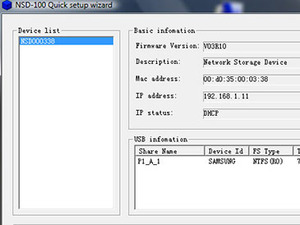
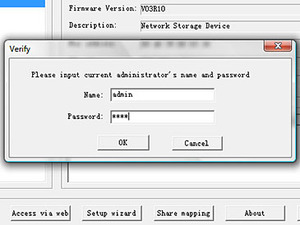 Click to enlarge
If your router has NAT filtering or firewall options for incoming traffic, you might want to disable it for better P2P performance, however it also leaves you more open to "attack" from the world wide tubes.













Want to comment? Please log in.