It’s always a treat to be able to whack up the anti-aliasing and anisotropic filtering sliders on older games that need smoothing out, and now Nvidia has added another feature to its ForceWare drivers that could add some more eye candy to older games. The new feature is Ambient Occlusion, which is already enabled by default in some games, including
Crysis, but isn’t in others, such as
Half-Life 2.
Ambient Occlusion is now available as a switchable function in the control panel of Nvidia’s latest
ForceWare 182.50 WHQL drivers, which were released today. The idea is that it makes the lighting in a scene much more realistic, revealing soft shadows and finer detail that may have been previously invisible.
Nvidia’s senior product manager, Jason Paul, explained to us that
"if you look at the room that you’re sitting in, and you look up in the corner of the room, you may notice that the light is slightly less intense than it is along other portions of the wall. One of the physical properties of light is that when there are objects that are blocking or occluding nearby objects, even if it’s not casting a direct shadow, it blocks out some of the global or ambient light in the environment.”
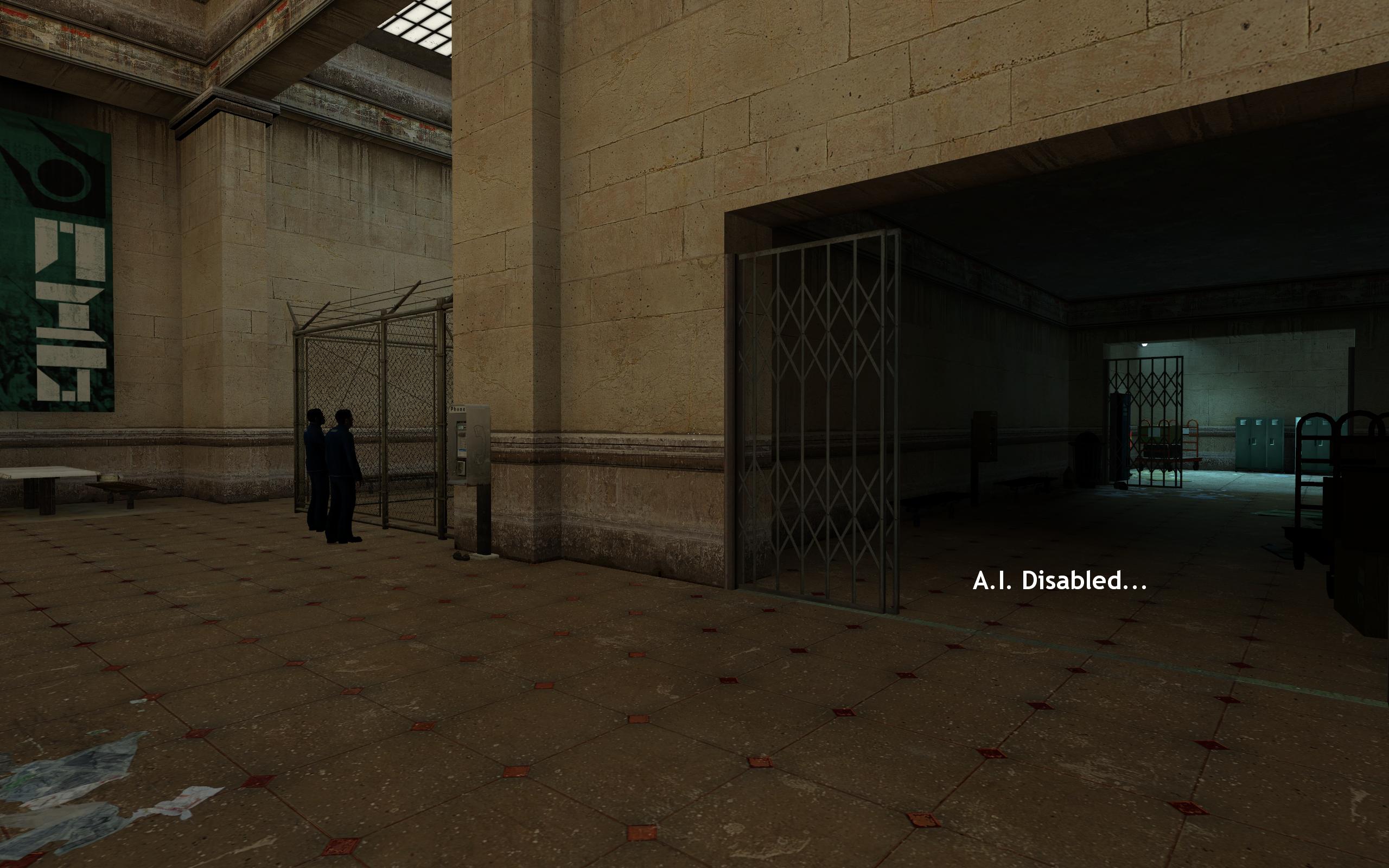
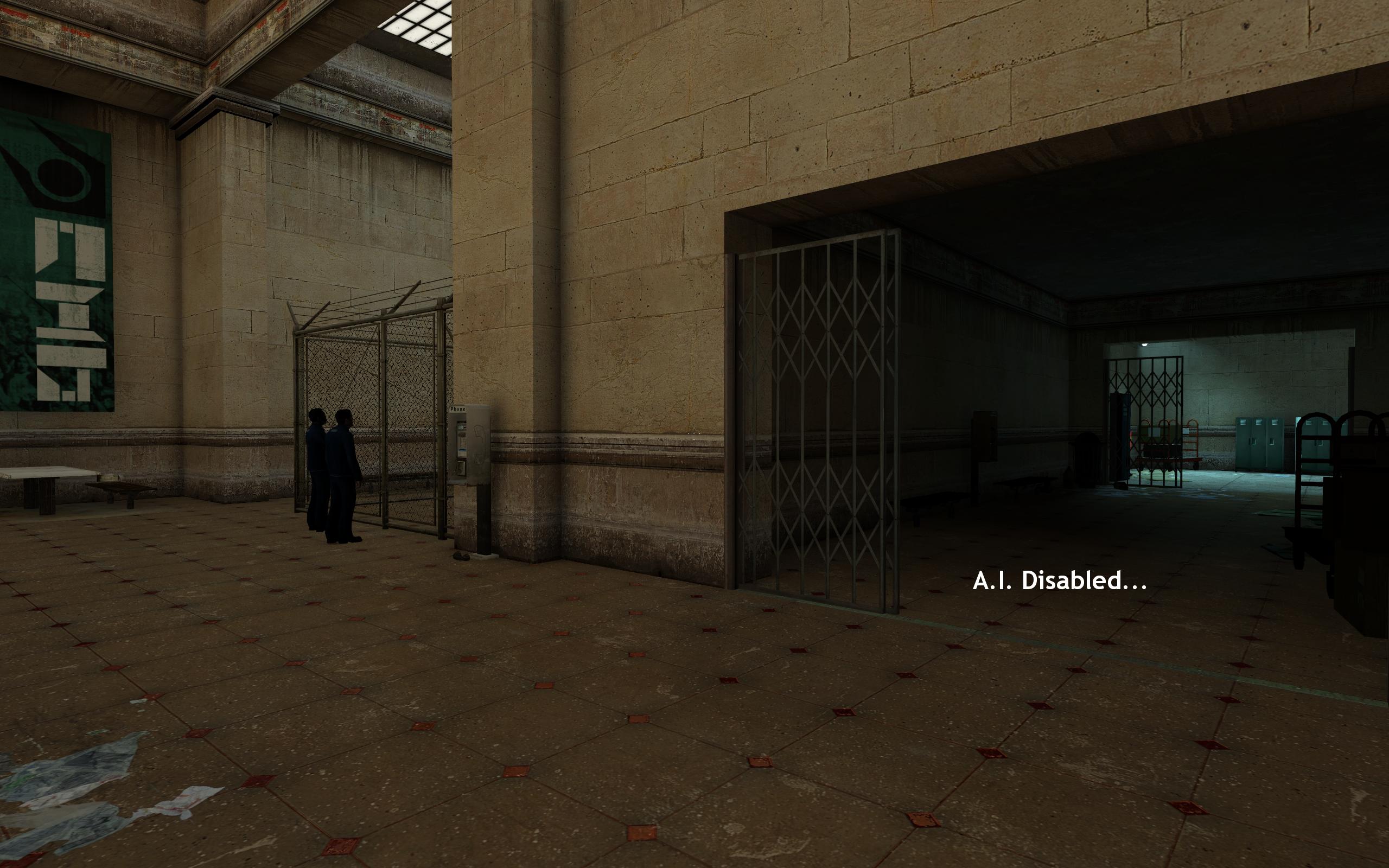
By enabling Ambient Occlusion, you replicate the effect of light occlusion, creating soft shadows where a wall meets a ceiling, and around objects that are attached to walls. You can see the effect in the screenshots below. Take the
Half-Life 2 screenshots, for example. With Ambient Occlusion enabled you can see a soft shadow around the phone on the wall, and in the corners of the walls.
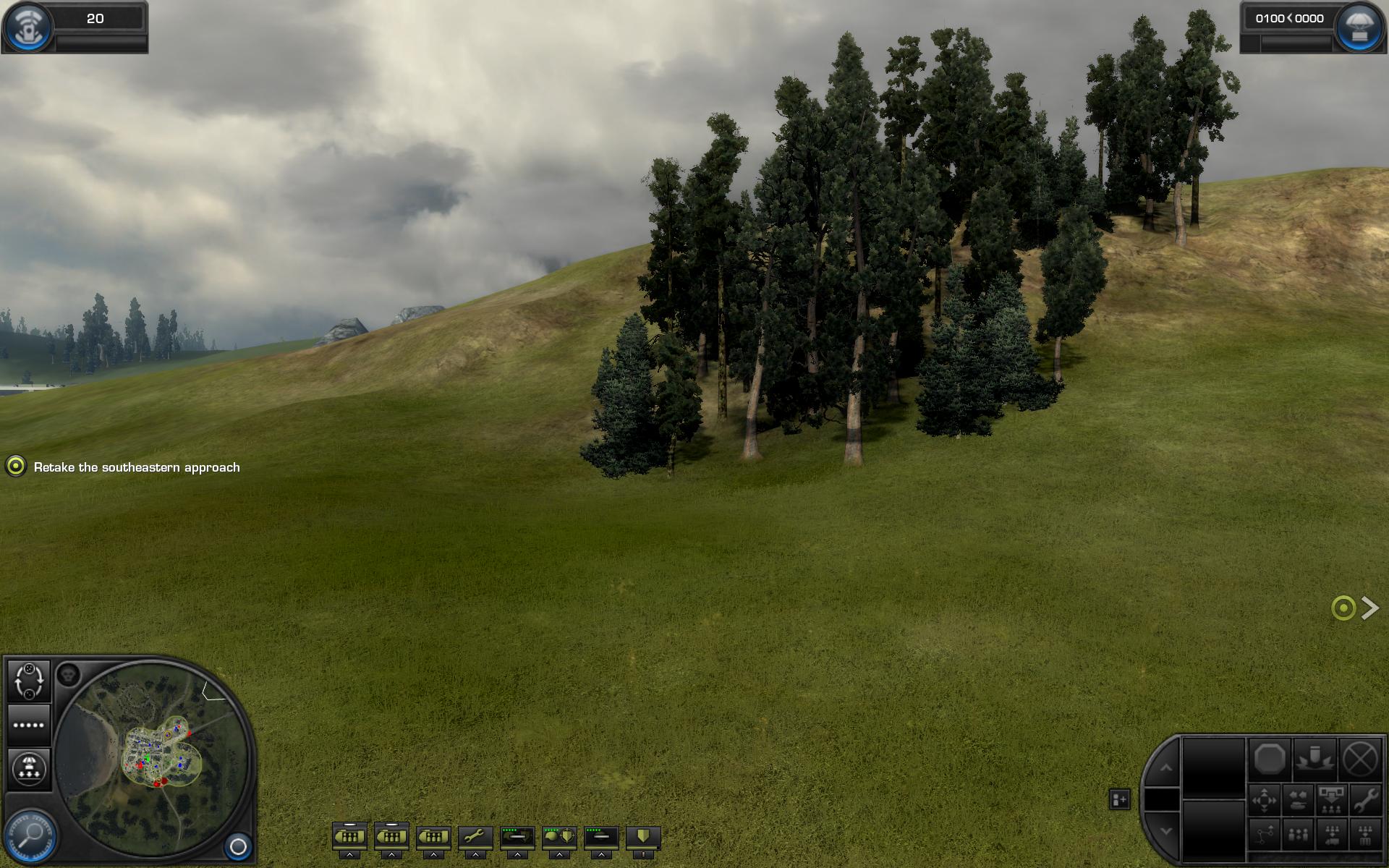
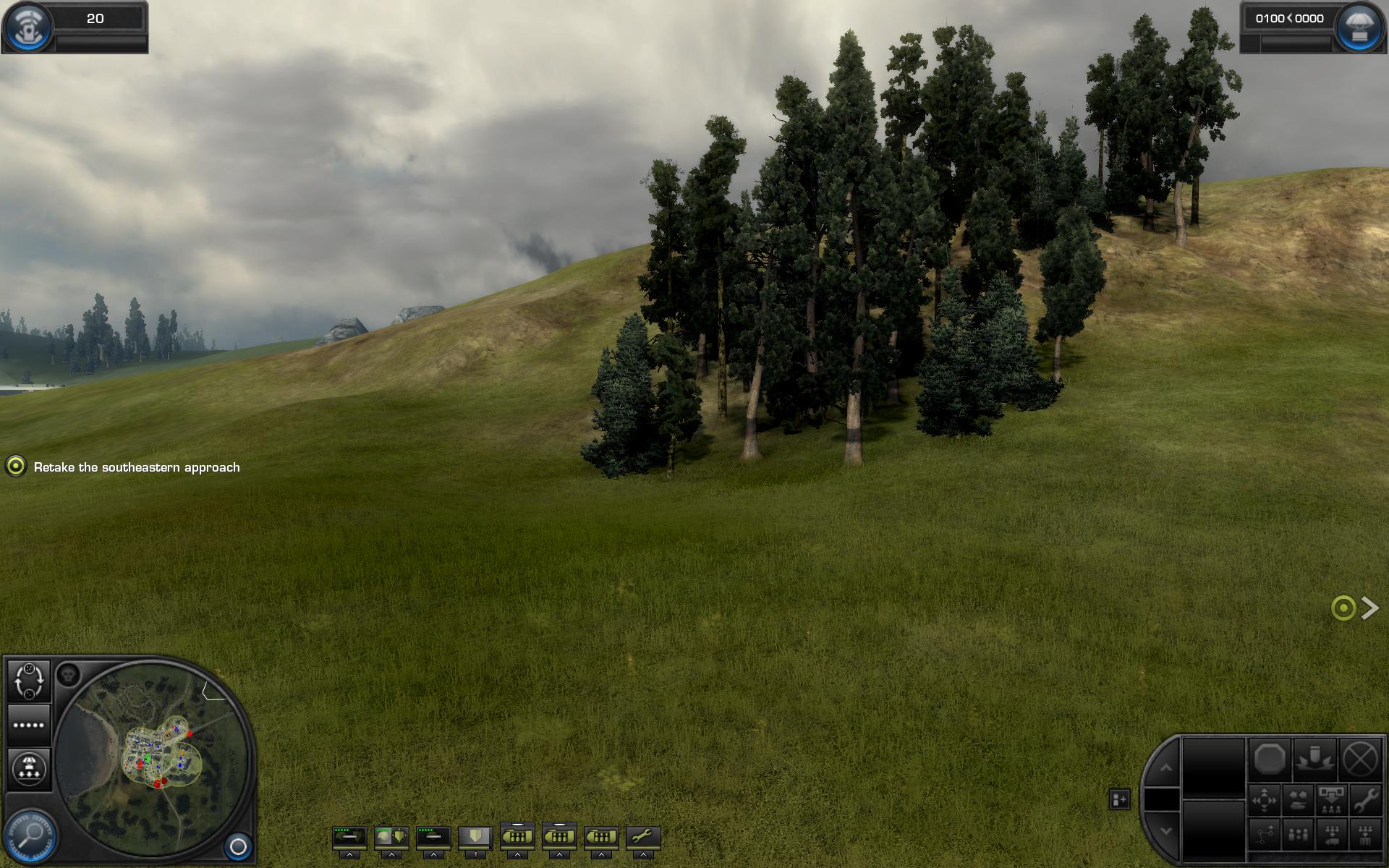
Ambient Occlusion can also reveal finer detail around objects that would usually occlude lots of light. Nvidia gives the example of grassy terrain, where the blades of grass are much more clearly defined when their occluding properties are revealed. You can see this demonstrated in the screenshots from World of Conflict below.
Of course, no visual eye candy comes free, and Nvidia admits that Ambient Occlusion will cost you in terms of frame rates.
“Ambient Occlusion is not a free activity,” says Paul, adding that
“generally, we’re seeing [a frame rate hit] in the range of 20 to 40 percent to enable this feature.” However, he points out that if you’re playing
Half-Life 2 on a decent graphics card, then you’ll already have plenty of frames in the bank that you could use to enable the feature and still have
“a seamless gaming experience.”
Nvidia notes a number of games that can be enhanced by enabling Ambient Occlusion in the control panel, which include
Company of Heroes,
World in Conflict,
Half-Life 2,
World of Warcraft and
Mirror’s Edge.
As well as this, the ForceWare 182.50 driver also features a number of bug fixes and performance improvements, which are detailed in the
release notes.
Is Ambient Occlusion a worthwhile feature to enable on games that don’t natively support it, or would you rather have a faster frame rate than a few extra soft shadows? Let us know your thoughts
in the forums.
Update: As some of you have pointed out in the forums, Ambient Occlusion is included in the ForceWare 185.65 BETA control panel and not, in fact, in the WHQL 182.50 control panel. You can download Nvidia's BETA drivers from
here.
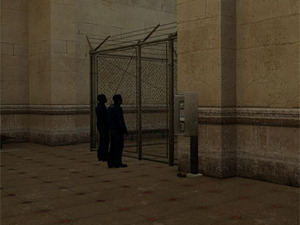
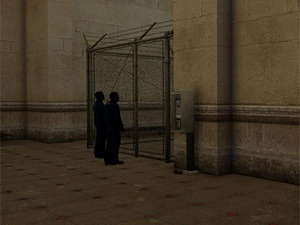 Half-Life 2 - Ambient Occlusion is disabled on the left and enabled on the right
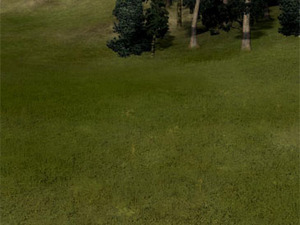
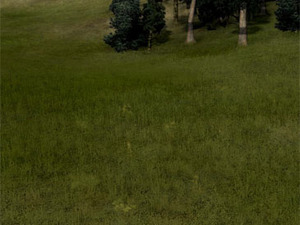 World in Conflict - Ambient Occlusion is disabled on the left and enabled on the right
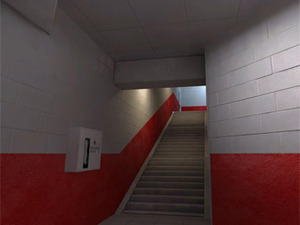
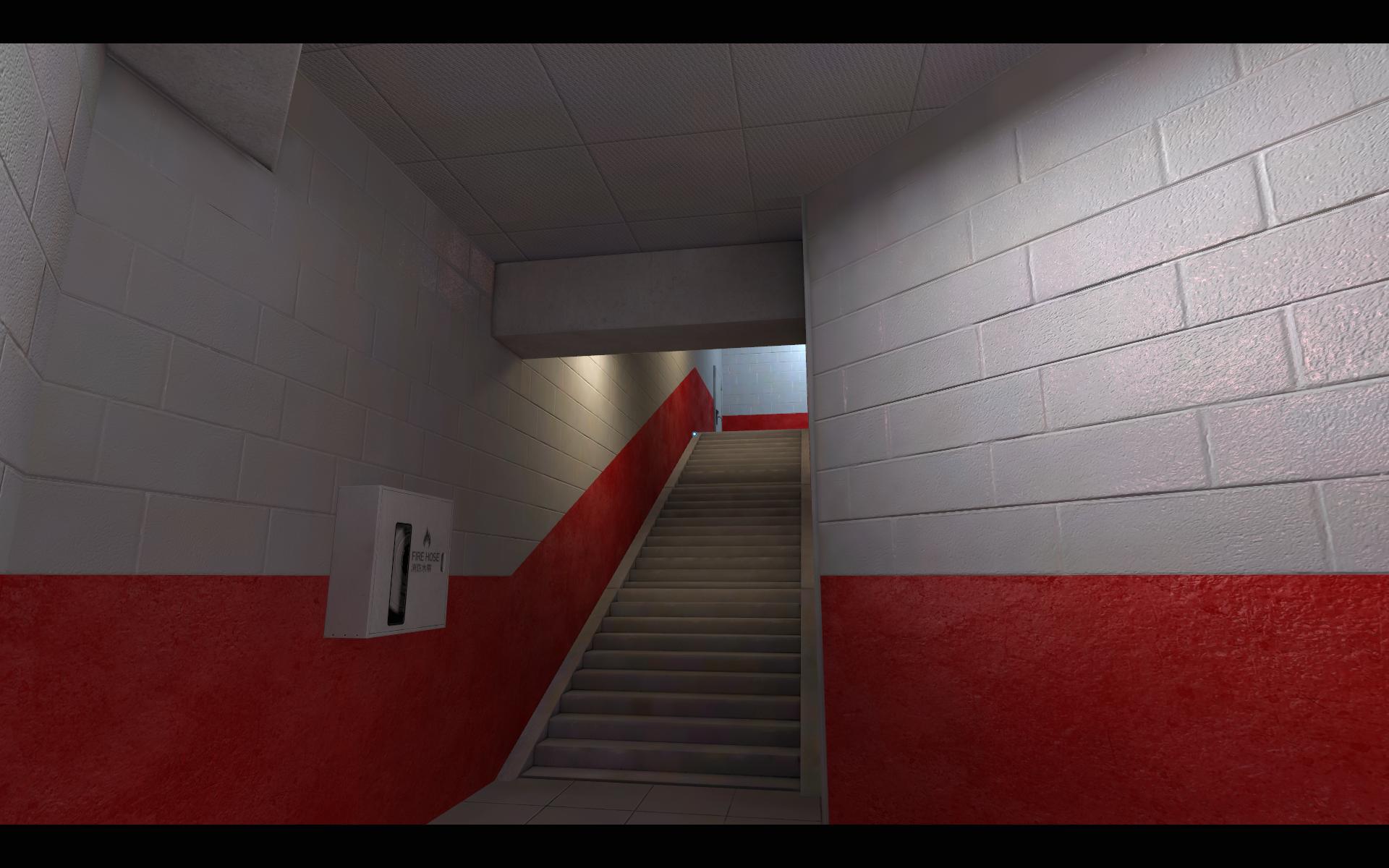
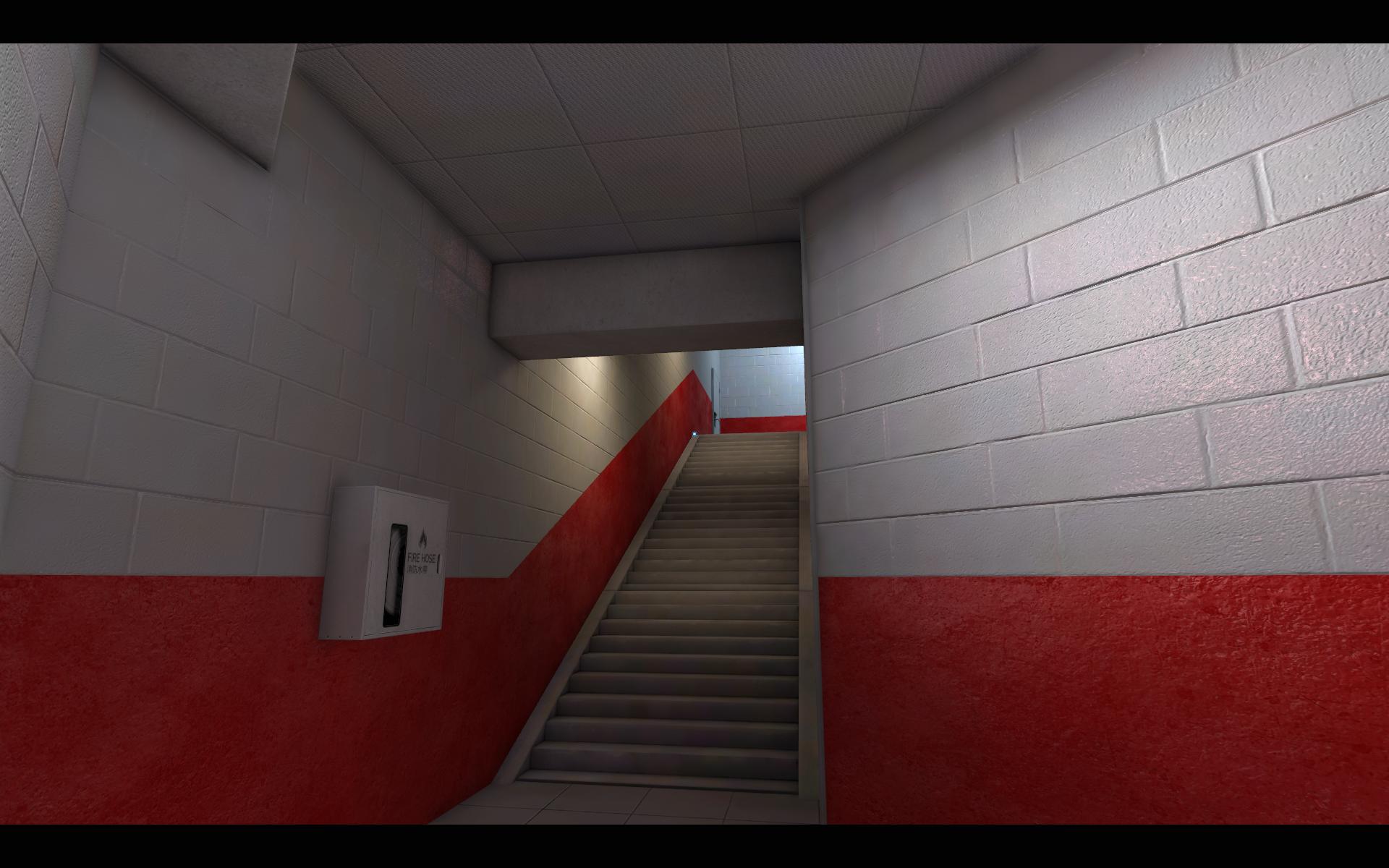
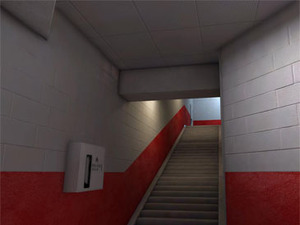 Mirror's Edge - Ambient Occlusion is disabled on the left and enabled on the right









Want to comment? Please log in.