I know, we've probably been all Eee'd out for a few months; well, at least until Atom gets here. But there was this niggling itch to break stuff, and it was sitting there, and this is
bit-tech after all...
Where can we find that extra 16GB of SSD storage? Is there anything new inside? (And sometime later) Can we put it back together?
Essentially, no... or at least, that's the answer for the first two questions.
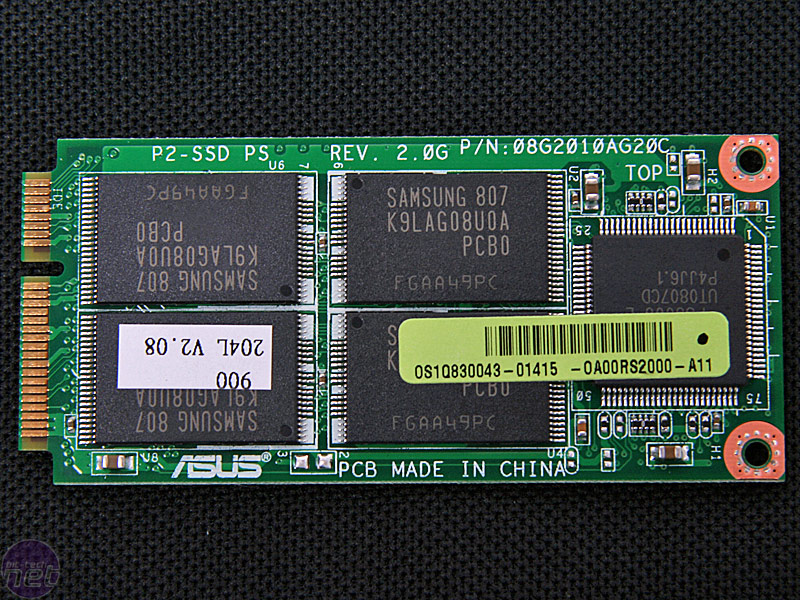
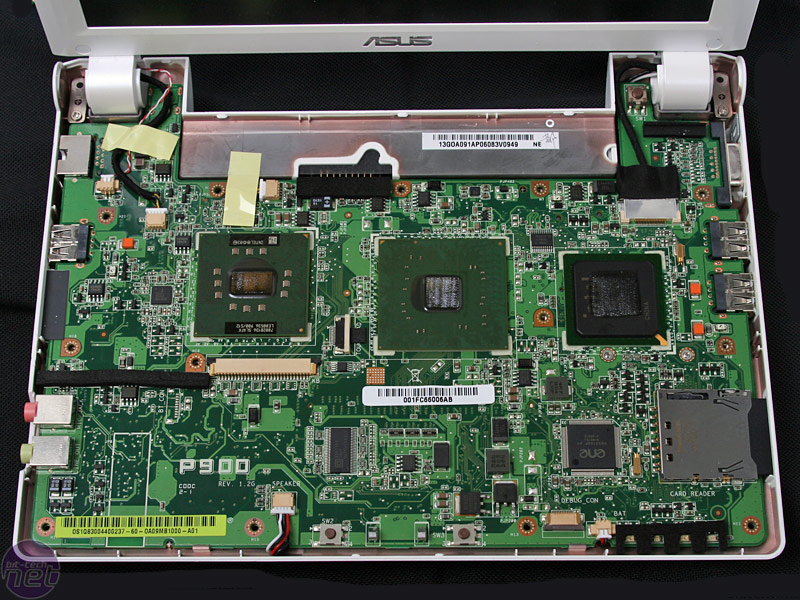
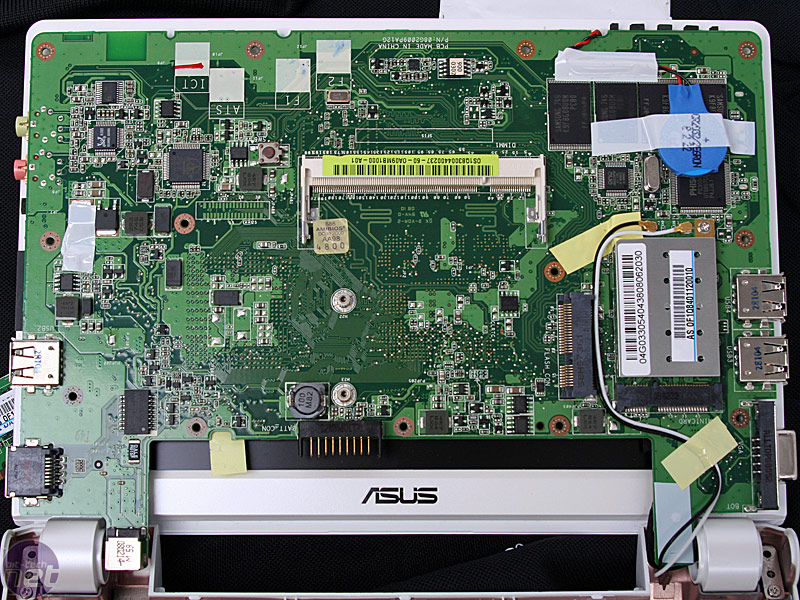
The main PCB is pretty much identical as the Eee PC 700. The only thing new is that the mobile PCI-Express socket is now used with a 16GB SSD module expanding the drive space. We've used this space
to hack extra storage into the original Eee PC 700 in the past.
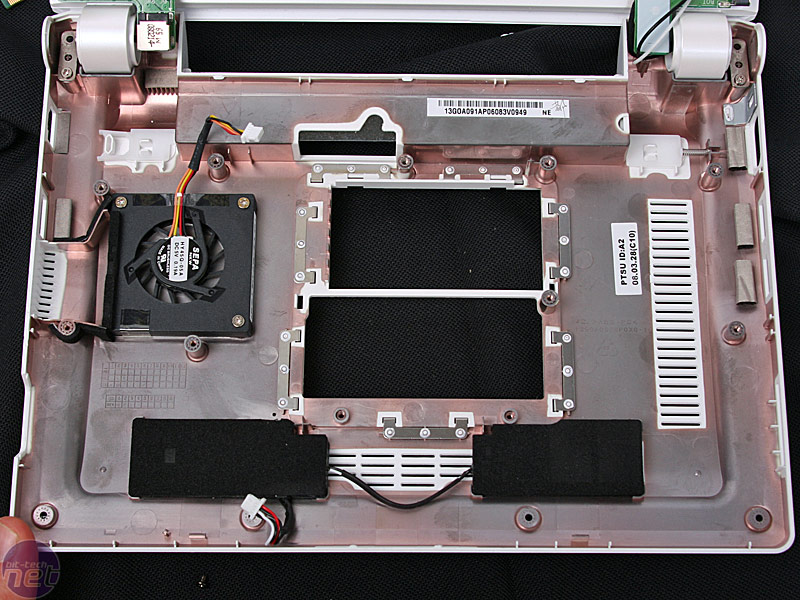
Given that the screen is bigger, the speakers have also moved into the base of the unit, so instead of getting stereo sound towards your face it's forced into the desk or your lap instead - it's not ideal, but an acceptable sacrifice given the extra screen real estate.
Anyway, here's some hot naked shots for you all to enjoy.
Pwor!
Discuss in the forums.

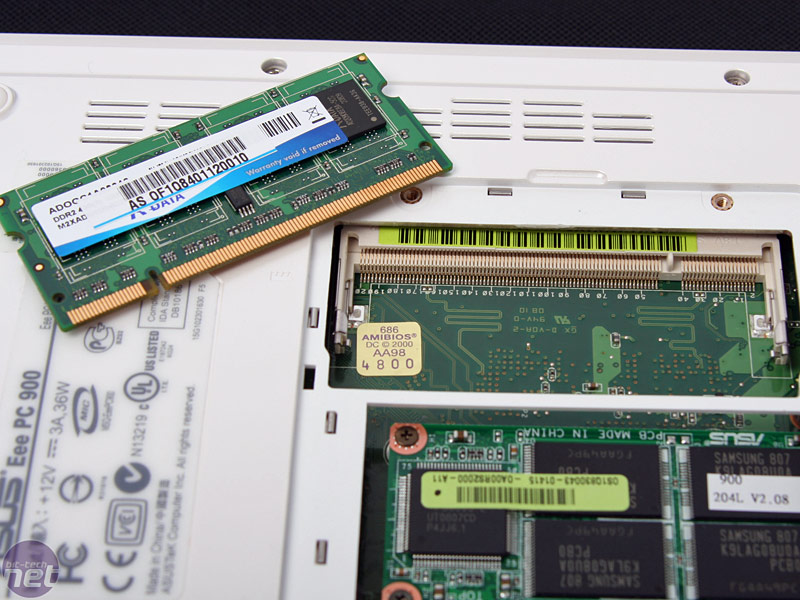
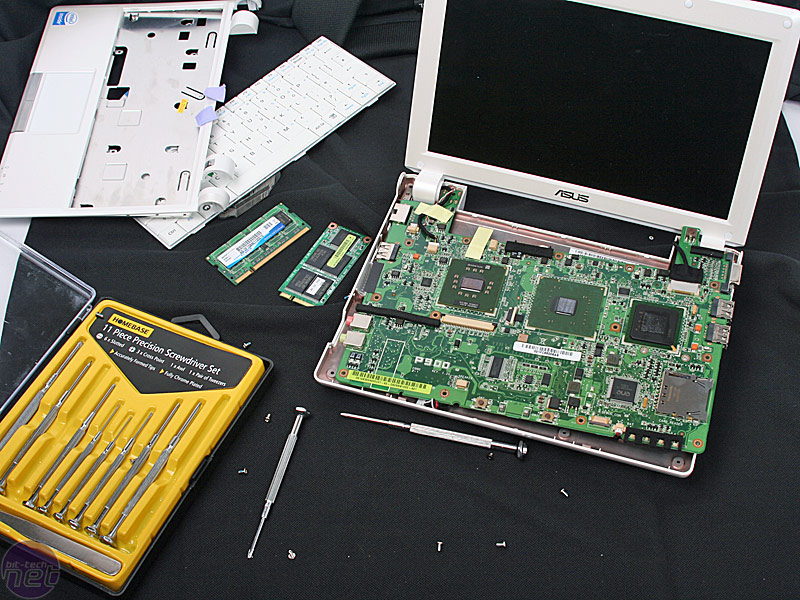
 1GB A-DATA DDR2 - there's only a single slot available. Unscrew the rest of the Philips heads screws around the edges.

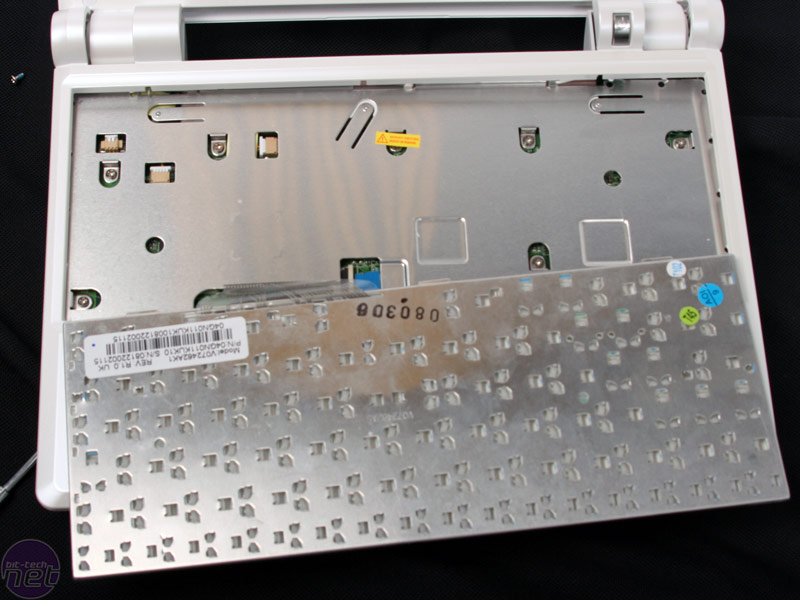
 Unpopping the keyboard is pretty difficult - it's clipped in at the top in three places. The SSD module is screwed into its slot on the bottom and is easily removable.
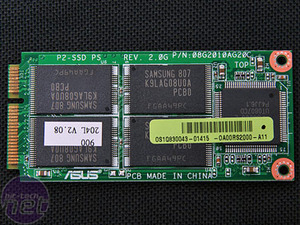
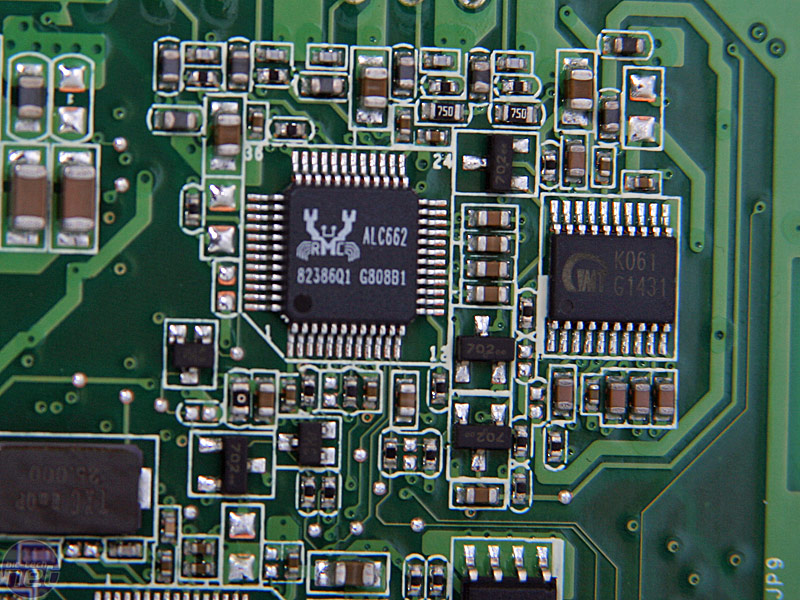
 Eight (four per side) 2GB Samsung flash chips sit on the PCI-Express SSD module that looks very similar to Intel's Turbo Memory module. The Realtek ALC662 chipset supplies basic "5.1 channel" AC97 sound.

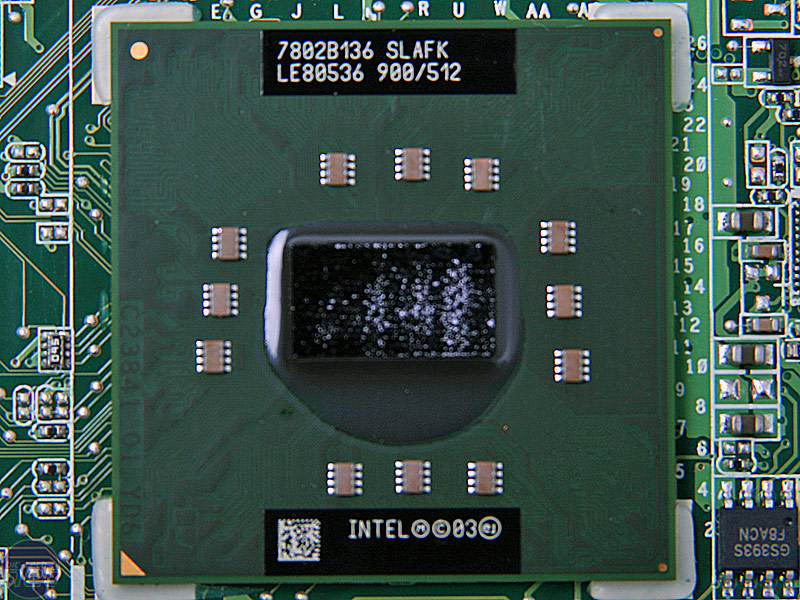
 The same four 1GB Samsung flash chips are hardwired to the board for the OS and programs. The 900MHz Intel CPU with 512k L2 cache and built on its 90nm process is still the same as before.

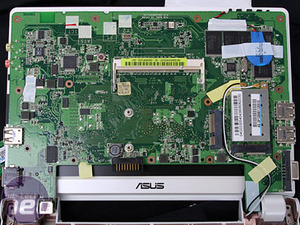 Top side and underneath

 The small fan that cools it and speakers, aaaand the mess I made.












Want to comment? Please log in.