Sandy Bridge Memory: 4GB (2 DIMM) vs 16GB (4 DIMM)
G.Skill dropped off its latest 16GB
RipjawsX kit so that we could quickly gauge whether Sandy Bridge CPUs could handle the full multiplier range with all four DIMM sockets filled. While 4GB is plenty for now, and 8GB dual-stick kits are available, we wanted to see if it's fine to buy two sticks of memory now and add another pair later on.
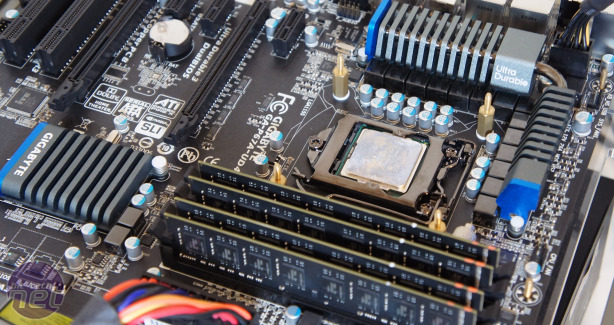 Four DIMMs with Sandy Bridge? No problem!
Media Benchmarks
-
4GB (2x2GB) 2,133MHz CL9
-
16GB (4x4GB) 2,133MHz CL10
0
500
1000
1500
2000
2500
Points, Higher is Better
-
Image Editing
-
Handbreak h.264 Encoding
-
Multi-media Encoding
-
Overall Score
Gaming
-
4GB (2x2GB) 2,133MHz CL9
-
16GB (4x4GB) 2,133MHz CL10
FPS, Higher is Better
-
4GB (2x2GB) 2,133MHz CL9
-
16GB (4x4GB) 2,133MHz CL10
frames per second (fps), Higher is Better
The kits are rated to run at 2,133MHz CL9-10-9-24, but while these settings were fine for the Media Benchmarks, we needed to drop the settings to CL10-10-10-26 in order to make the games run reliably. We therefore used these settings for the entire test.
This is probably the reason for the fractional drop in overall performance between the 4GB and 16GB setups. However, the memory controller can handle these settings, whether you're running two DIMMs or four, as long as you give the VCCIO and VCCSA a bit of extra voltage.
If you're having trouble overclocking your system, or getting the right voltage, then read our guide on
How to Overclock the Intel Core i5-2500K and the
LGA1155 Overclocking Glossary in particular.










Want to comment? Please log in.