CRT Gaming
For gameplay evaluations on a 24" widescreen monitor, please head straight to our widescreen performance section.
The Elder Scrolls IV: Oblivion
Publisher: 2K Games
We used the latest addition to the impressive
Elder Scrolls series of titles,
Elder Scrolls IV: Oblivion with the 1.1 patch applied. It uses the Gamebyro engine and features DirectX 9.0 shaders, the
Havok physics engine and Bethesda use
SpeedTree for rendering the trees. The world is made up of trees, stunning landscapes, lush grass and features High Dynamic Range (HDR) lighting and soft shadowing. If you want to learn more about
The Elder Scrolls IV: Oblivion, we recommend giving our
graphics and gameplay review a read.
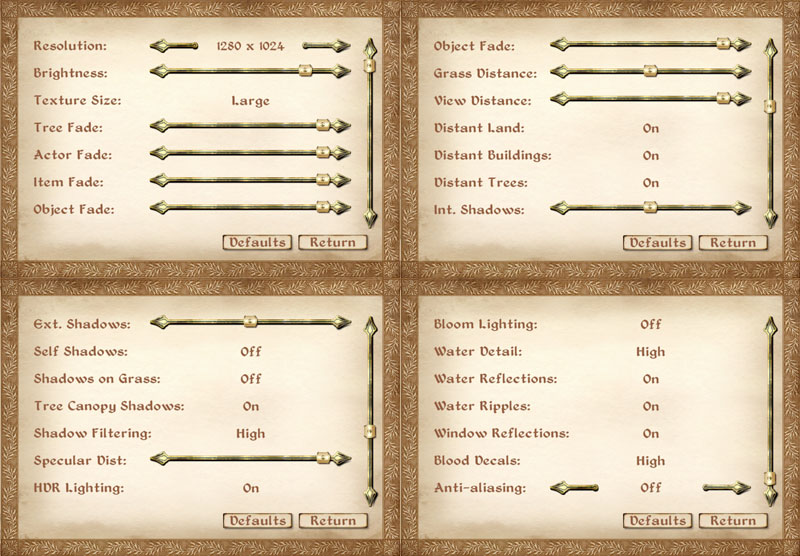
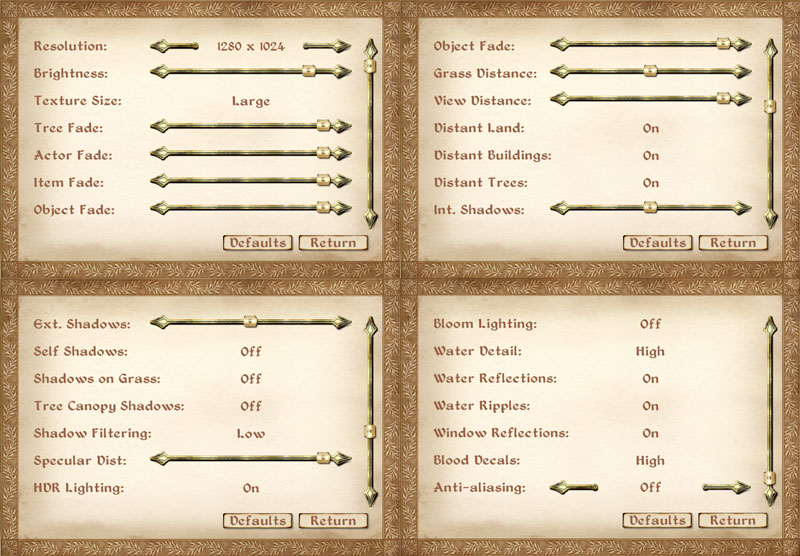
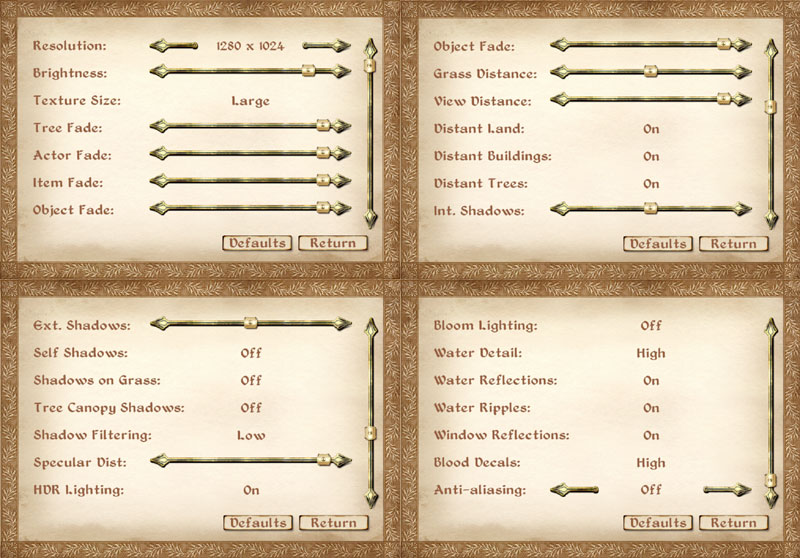
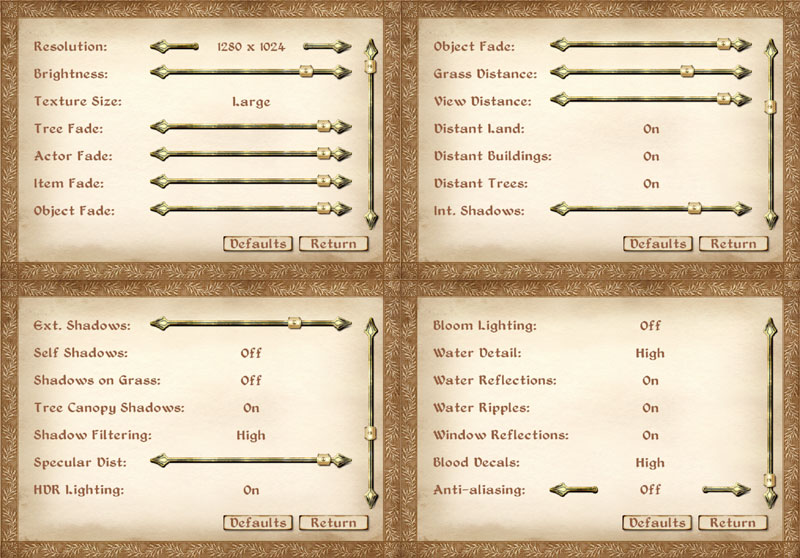
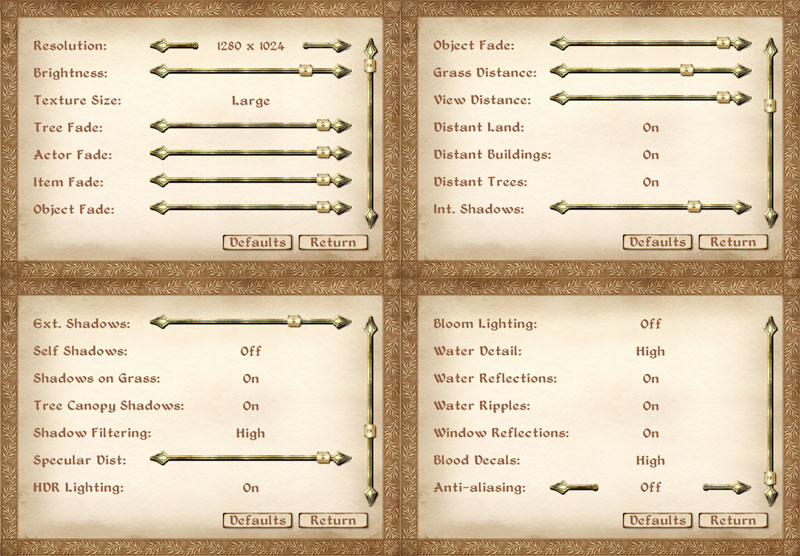
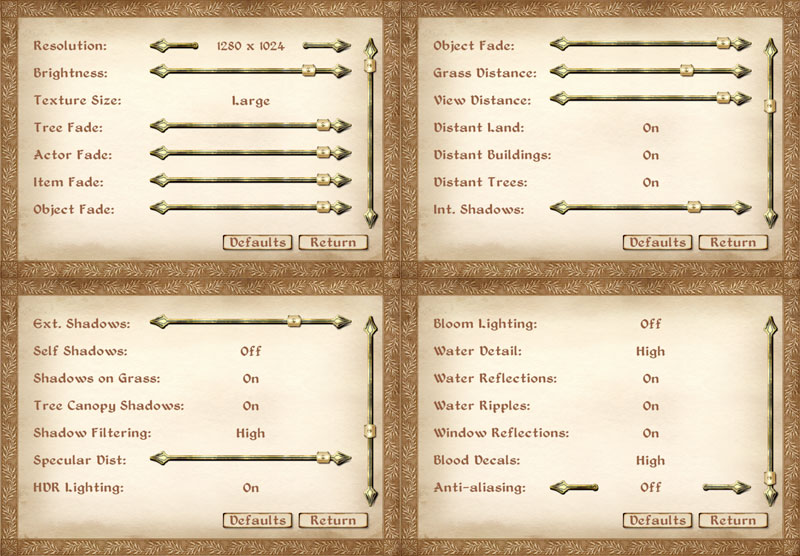
The graphics options are hugely comprehensive, with four screens of options available for you to tweak to your heart's content. There is also the configuration file too, but we've kept things as simple as possible by leaving that in its
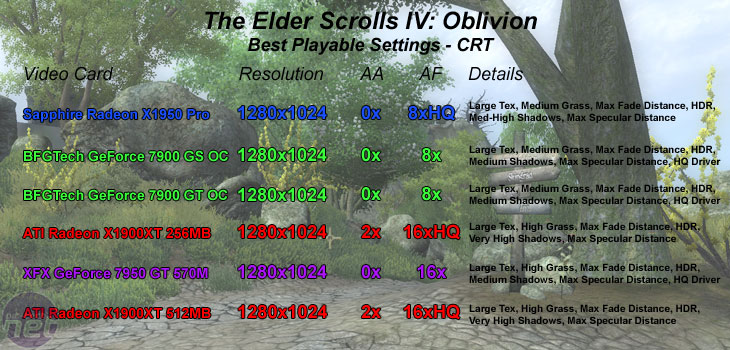
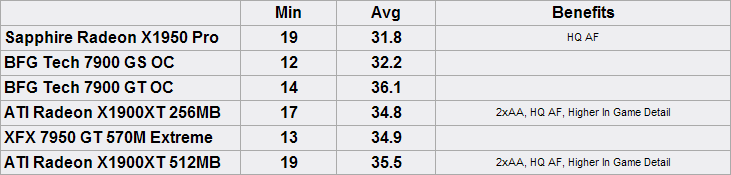
out of the box state. For our testing, we did several manual run throughs to test the game in a variety of scenarios ranging from large amounts of draw distance, indoors and also large amounts of vegetation. Our vegetation run through is the result that we have shown, as it proved to be the most stressful - we walked up the hill to Kvach, where the first Oblivion gate is located.
________________________________________________________________________________
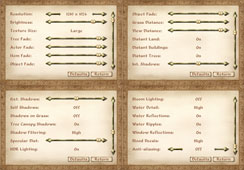
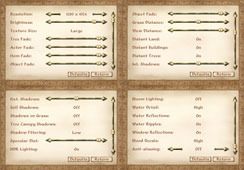
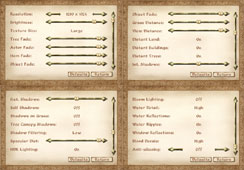 Sapphire Radeon X1950 Pro / BFG Tech GeForce 7900 GS OC / BFG Tech GeForce 7900 GT OC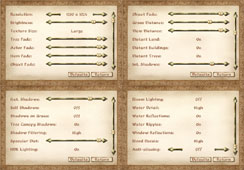
 ATI Radeon X1900XT 256MB / ATI Radeon X1900XT 512MB / XFX GeForce 7950 GT 570M Extreme
In Oblivion, Sapphire’s Radeon X1950 Pro really shows its strengths against both the
BFG Tech GeForce 7900 GS OC – which offers virtually no competition – and the more expensive
BFG Tech GeForce 7900 GT OC. Impressively, the Radeon X1950 Pro delivers a better gaming experience in
Oblivion than the closest rivals. Considering that the BFG Tech GeForce 7900 GS OC is quite a heavily overclocked GeForce 7900 GS, it makes the feat all the more impressive.
On top of the higher playable quality settings that the Radeon X1950 Pro delivered, the filtering quality was also noticeably better too. ATI’s high quality anisotropic filtering algorithm works wonders in
Oblivion, as it’s a game that can suffer from some quite harsh texture shimmering. Even with NVIDIA’s drivers forced to high quality, there are still areas of the scene that suffer from texture shimmering, it’s just not as profound or noticeable as it is when the driver quality settings are at their defaults.









Want to comment? Please log in.