Exterior
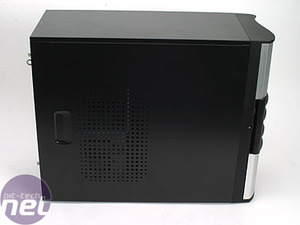
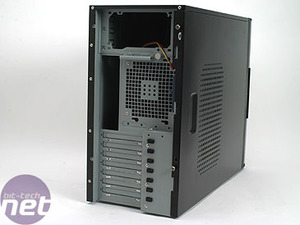
The side of the case is fairly standard, with just a few perforations for airflow. The back is also pretty plain, with a 120mm fan grill.
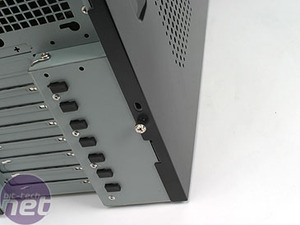
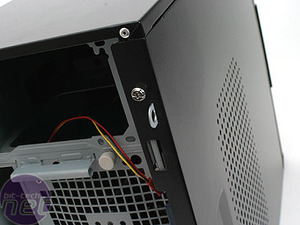
Cooler Master provides thumbscrews for the left hand side of the case to allow you to get it off easily for access to the internals. There's no catch or handle mechanism - get the screws off and the panel just pulls out.
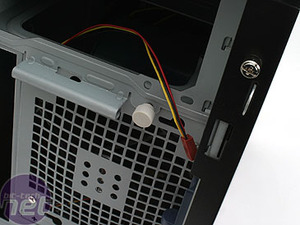
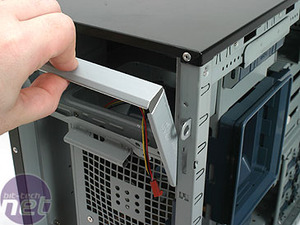
The PSU mount is slightly different than normal in that it secures in with just one thumbscrew. To install the PSU, you remove the thumbscrew and the bracket it holds. Then, slide it in through the back of the case, and reattach the retention bracket. It's a nice idea, though it becomes a bugger to route cables. We'll get into that during installation, though.










Want to comment? Please log in.